

🛠️ Proxy Settings
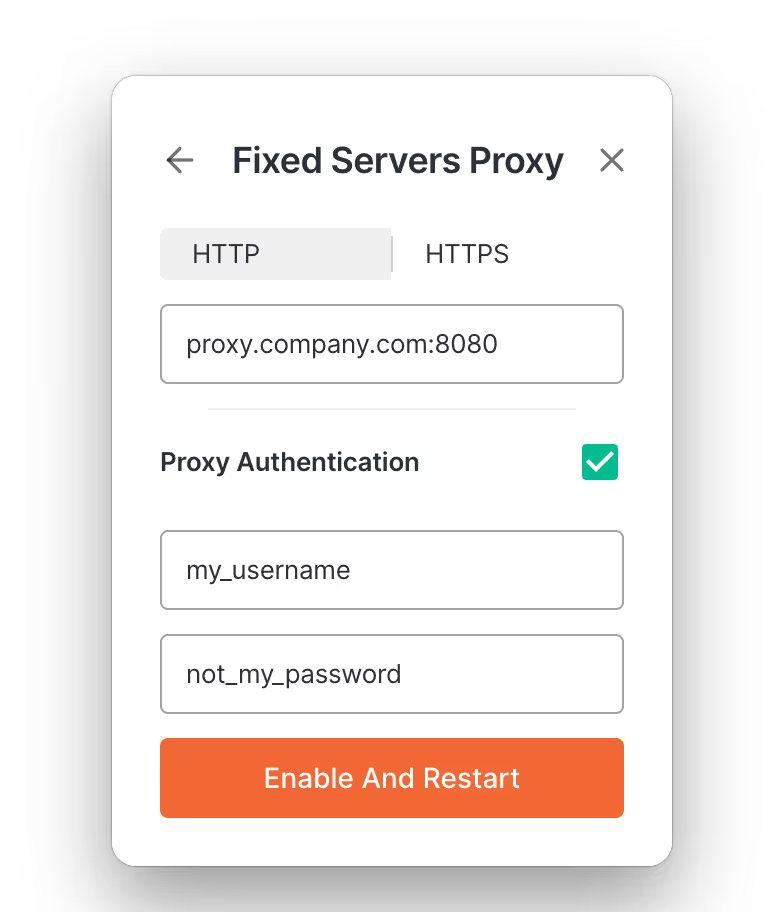
We’ve introduced an easy way for Enterprise users to set up custom proxy settings directly in the Bliro Desktop app. Simply click the ⚙️ symbol, then select Proxy Settings to choose between Auto-Detect, Fixed Servers, or No Proxy. Enjoy greater flexibility and stability, even in complex network environments. More information in our help article.
🚀 API Access
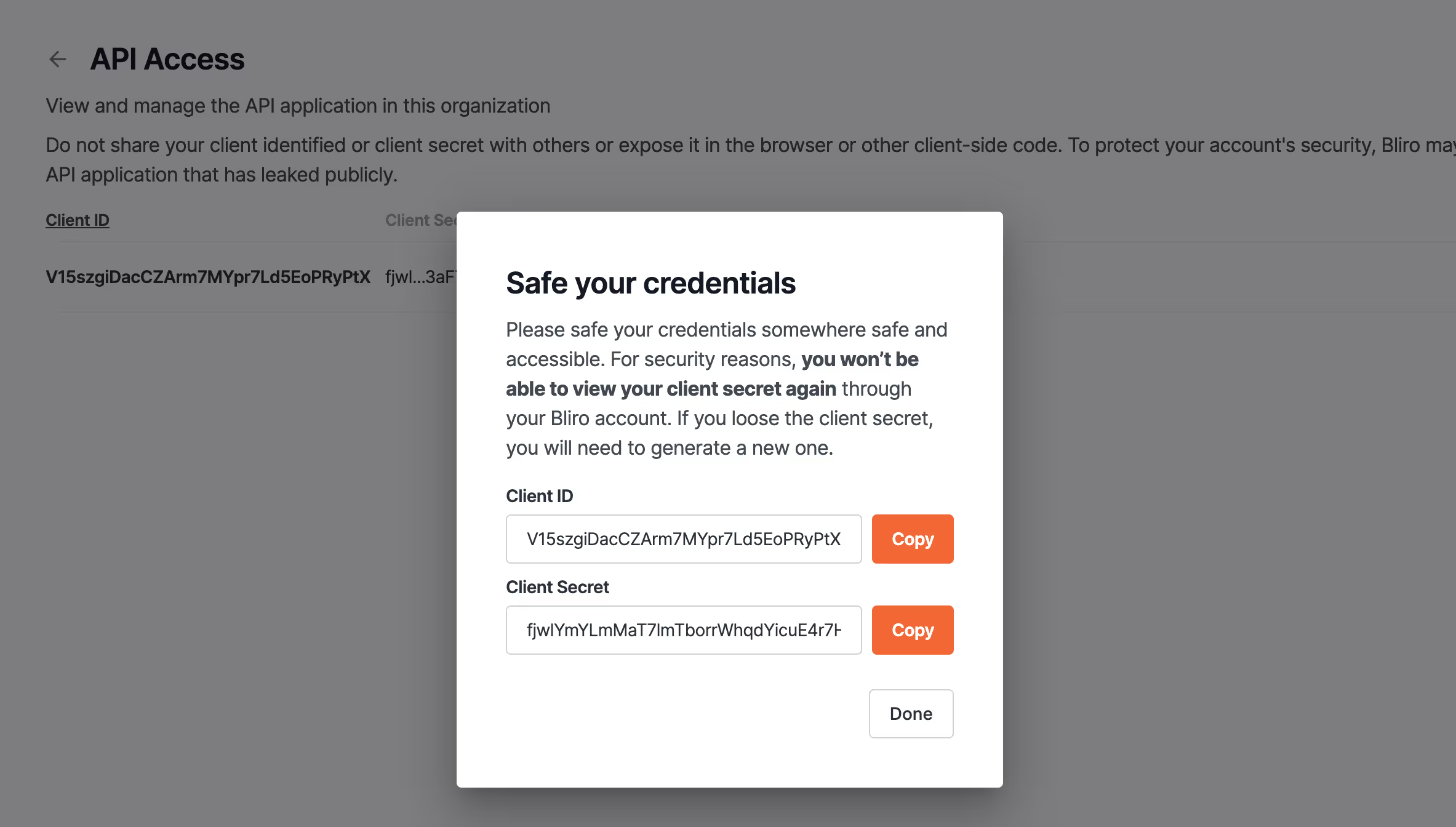
Paying users can now access the Bliro API via the platform! Go to the “API Access” setting in your account to generate a secure Client ID and Client Secret. Use these credentials to integrate Bliro data with any tool, streamlining your workflows like never before. More information about the setup here.
🕹️ Remote Control for Bliro Desktop
Take automation to the next level with our new Remote Control feature. By integrating a single-click link into your CRM or any third-party tool, you can instantly launch the Bliro Desktop App. When activated, the link passes along details about where it was triggered, automatically associating your meeting with the correct CRM object. This is the first step in fully automating workflows so you don’t have to think about anything—Bliro takes care of the busy work. You can find our integration guide here.
🐞 Bug Fixes
We continuously improve our service. Among others, we resolved the following issues this month:
- Copy-Paste into Notes Window: Fixed a bug that prevented users from pasting text into the manual note window on the Bliro Desktop App.
- Internet Connection Error Certificated: Resolved an issue causing connection failures for some Windows users, ensuring smooth access to transcription services.
- Fixed Umlaut Formatting: Corrected a formatting problem in German templates, so Umlaute (ä, ö, ü) are now displayed correctly in summaries.
- Quicker Loading Times: Optimized the platform to reduce loading times, giving you faster access to your conversation notes.