
👋 Desktop Notifications
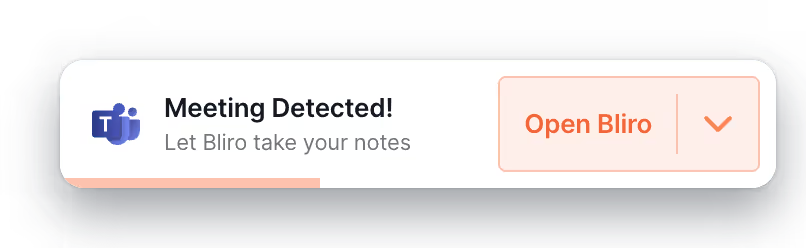
We’ve introduced real-time meeting notifications on the Bliro Desktop App to make sure you’re always one step ahead.
When a meeting starts or ends, you’ll receive a notification—click it to immediately open the app or launch a new transcription.
On macOS and Windows, we’ve optimized support for all major VoIP and online meeting platforms like Microsoft Teams, Google Meet, Zoom, Zoom Phone, Webex, RingCentral, and Aircall.
You would like to edit your notification settings? You can do this at any time via the desktop app settings on the Bliro platform.
🌐 Browser-Based Authentication
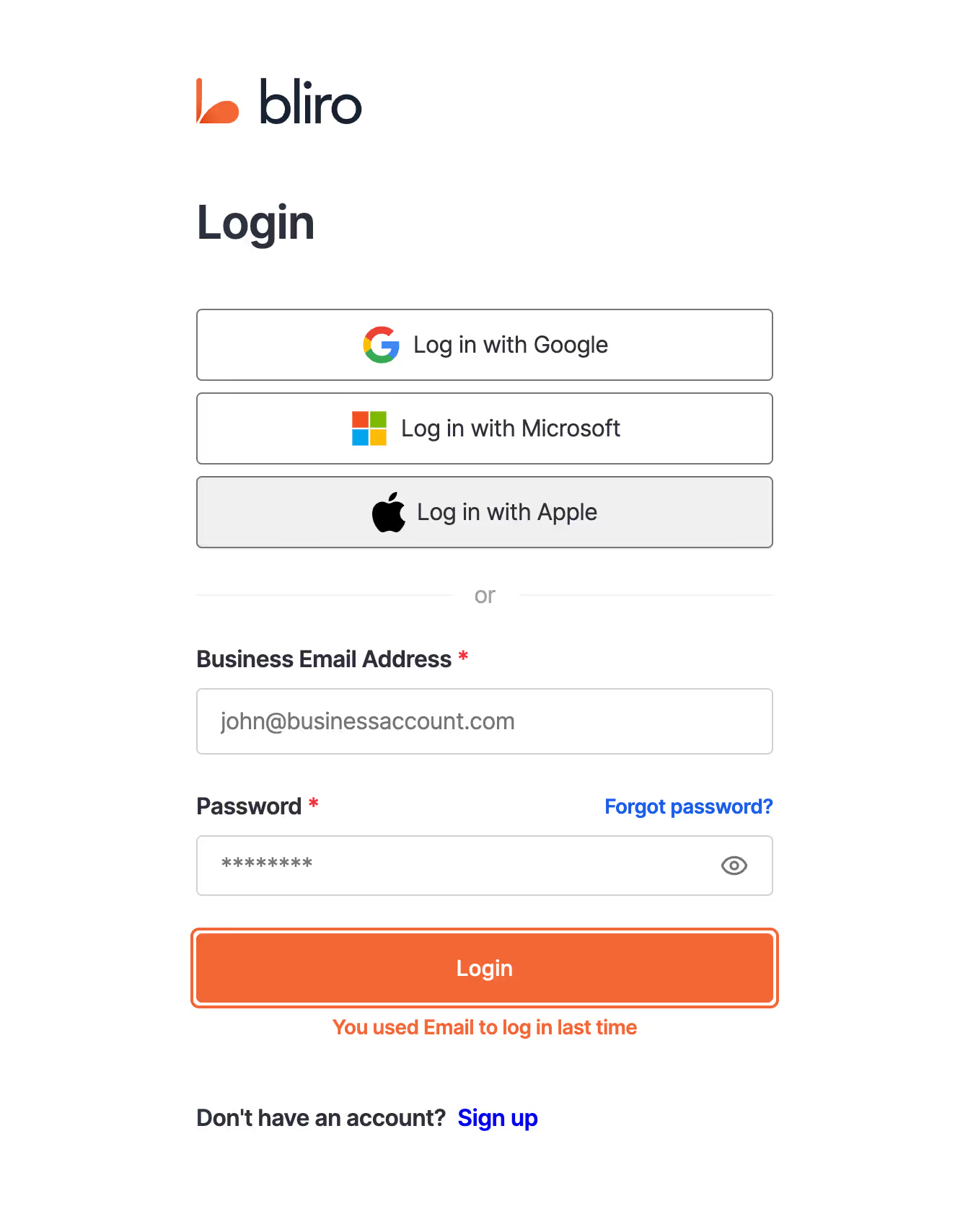
Browser-based login allows you to securely access the Desktop App using your browser’s native keychain and credentials manager.
Whether you’re using Chrome, Safari, or Edge, your login experience is instant, encrypted, and effortless. No more typing, no more forgotten passwords—just secure access, when and where you need it.
✏️ Live Transcript on Mobile
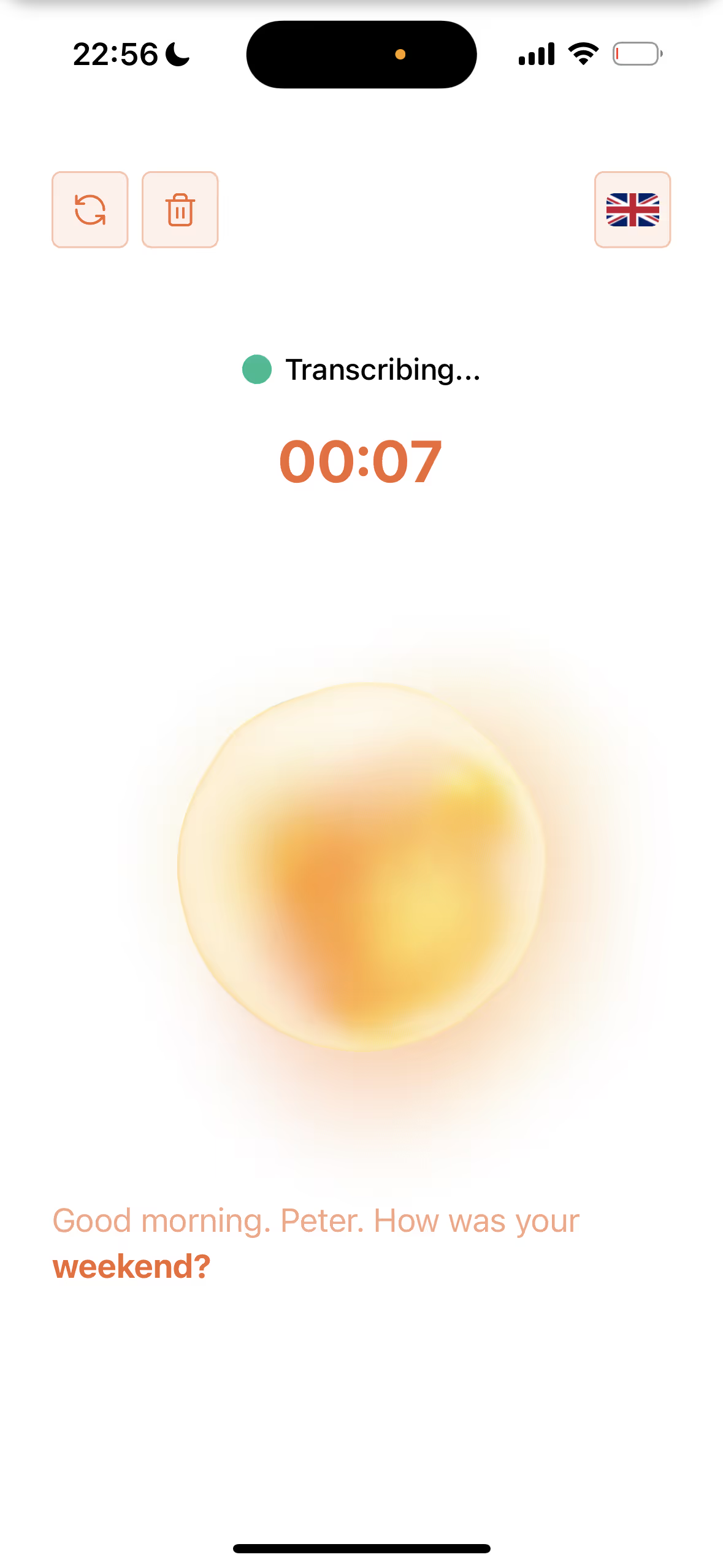
We’ve redesigned the transcription screen on the Bliro Mobile App, introducing a real-time live transcript view.
Whether you’re transcribing an offline conversation or a voice-memo, the new interface gives you instant feedback and confidence that every word is being captured correctly.
🐞 Bug Fixes
We’ve rolled out a wave of design improvements and under-the-hood fixes to refine your day-to-day Bliro experience. Here are some highlights:
- Removed frames and shadows from the notification window for a cleaner, more modern look
- Fixed app detection for RingCentral, ensuring flawless meeting recognition
- Improved dropdown menu alignment and window positioning
- Refined speaker count validation logic for multi-person meetings
- Cleaned up styling inconsistencies across templates, testimonials, filters, and modals
- Resolved duplicated meeting entries by reusing existing call IDs in connection abortion cases
- Polished internal authentication, permissions handling, and metadata syncing
- Squashed dozens of minor browser warnings and edge-case layout bugs
These updates might seem small, but together they make using Bliro feel faster, cleaner, and more delightful than ever.